Contact the Team Behind the Warehouse Handoff
If you need help with addresses, pricing, shipment creation, or delivery status, send a message and the Shippy team will get back to you as soon as possible.
Contact Information
Fill out the form and the team will usually respond within one business day.
Working Hours
Send a Message
Share enough detail for the team to point you to the right next step.
Mobile App
Track the Handoff from Your Phone
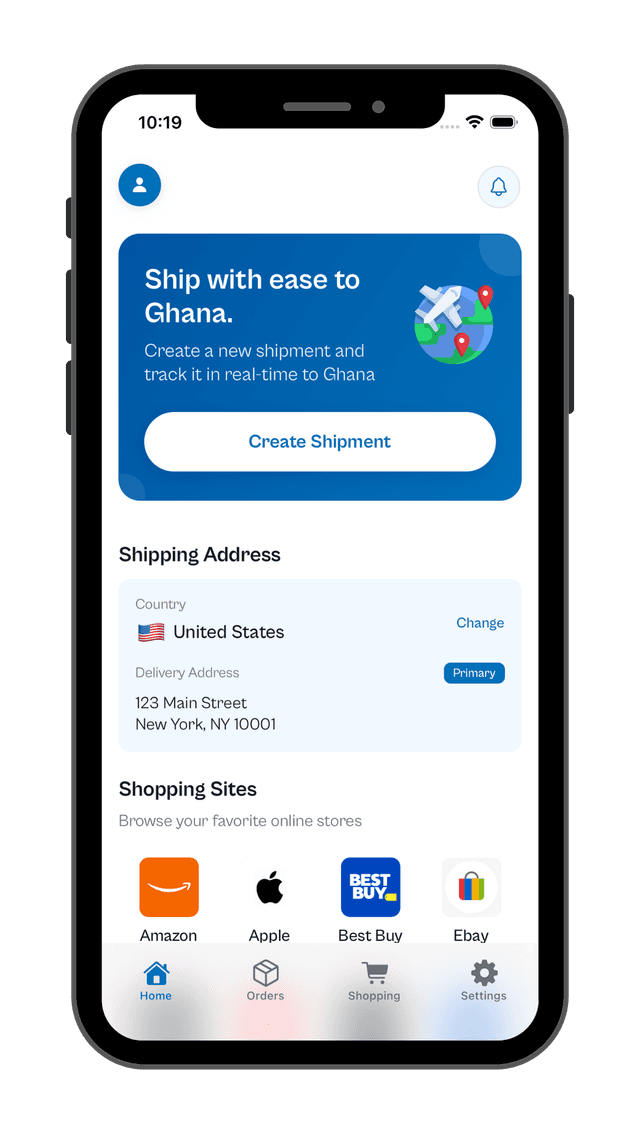
The app is where the order becomes a shipment. Add the delivery details, watch for warehouse updates, review your invoice, and stay informed until it is ready in Ghana.
Create Shipments
Add your purchase details after checkout so the warehouse team can identify the parcel quickly.
See Warehouse Updates
Get notified when your order is received, weighed, and ready for the next step.
Review Your Invoice
Know your shipment cost before dispatch so payment happens with clarity, not guesswork.
Follow Arrival Status
Keep the full handoff visible until your order is ready in Ghana for collection or delivery.
Step 1
Create the shipment after you complete your purchase.
Step 2
Wait for the warehouse receipt and weighing update.
Step 3
Review the shipment invoice before dispatch to Ghana.
Step 4
Receive the arrival alert when the order is ready.